
Blackpoint Cyber’s Privacy Mode
Privacy Mode helps reduce the risk of incidental data transmission from your tenants to Blackpoint Cyber’s ecosystem while helping you comply with legal and regulatory frameworks like HIPAA, CMMC, and GDPR.
Why Might Partners Need Privacy Mode?
Privacy Mode is an optional configuration within both the Partner and Compass One Portals that prevents the incidental transfer of potentially sensitive, regulated information from an endpoint protected by the SNAP Agent to Blackpoint Cyber.
The configuration is available for Blackpoint customers enrolled in MDR Services and doesn’t apply to customers who don’t have the SNAP Agent deployed to their devices.
The potential for incidental transfer of information exists because the ability to ingest a file from an endpoint is initiated by a Security Operations Center (SOC) Analyst and enabled by the SNAP Agent.
During an incident response investigation, SOC Analysts may need to dig deeper into a security alert to investigate indicators of compromise (IoCs) and identify the most effective response and remediation actions.
This process can involve pulling a file from an endpoint into a sandbox environment to extract Indicators of Compromise (IoCs) and running it through threat intelligence. Although Blackpoint SOC analysts never actually view the ingested file contents during this part of IoC analysis, the file itself is processed in Blackpoint’s cloud environment during this time.
Enabling Privacy Mode disables the ability for a SOC analyst to issue the file retrieval command. Blackpoint does not automatically ingest files from endpoints via the SNAP Agent. We have always collected the least amount of information necessary to do our jobs and protect our tenants.
What Changes When Privacy Mode Is Enabled?
When Privacy Mode is enabled, the SOC is unable to retrieve a file from an endpoint protected by the SNAP Agent.
Normally, when the SOC and Adversary Pursuit Group escalate an investigation, they may need to retrieve a file from an endpoint for deeper sandbox analysis and threat intelligence.
Keep in mind that these aren’t necessarily the standard Word, Excel, or PDF files users work with each day. They can be executables and other files the average user never intentionally interacts with.
With Privacy Mode enabled, that file retrieval is turned off entirely. The SOC and APG can’t request to retrieve the file from their internal UI. This removes the risk that a retrieved file may contain information like ePHI, CUI, or other regulated data that shouldn’t be transmitted to Blackpoint’s systems.
If the SOC or APG requires additional analysis of an identified file associated with an alert, a representative from Blackpoint will be in touch with the customer to coordinate the process.
Our priority is to make sure that, as your third-party security services provider, we don’t raise your risk profile or test your risk tolerance. On the contrary, we’re here to minimize your risk exposure, and we do that with technical and organizational controls designed to make this an effective security partnership.
What Information Is Still Collected With Privacy Mode Enabled?
Blackpoint’s SNAP Agent continues collecting the metadata needed for effective managed detection, response, and remediation actions, including:
- User account information, hostname, and IP address
- Scheduled tasks, network interfaces, and network shares on Windows
- System event logs, running processes, and services or daemons
- Address Resolution Protocol and process-level network connections
With Privacy Mode enabled, only .log files and SNAP Agent log files are collected and transmitted to the Blackpoint SOC from the Agent. All other file retrieval from the endpoint is disabled.
Frequently Asked Questions
What regulations does Privacy Mode help with?
Files on an endpoint may contain electronic protected health information (ePHI), Controlled Unclassified Information (CUI), Federal Contract Information (FCI), Covered Defense Information (CDI), ITAR-regulated data, or other sensitive data types.
Privacy Mode helps prevent Blackpoint’s SOC from collecting, accessing, processing, or storing that data, thereby supporting compliance efforts related to regulations and frameworks like HIPAA, GDPR, and CMMC.
Can I enable Privacy Mode for just one endpoint?
Privacy Mode is currently configured at the tenant level, ensuring every device within a regulated scope is consistently protected from incidental data transfer.
How do I enable Privacy Mode for my tenant(s)?
Blackpoint customers can refer to the Privacy Mode Knowledge Base article in the authenticated Support Portal for configuration instructions.
Is there an audit trail for Privacy Mode changes?
Yes. Blackpoint logs every configuration change, capturing Tenant ID, Account ID, User ID, user email, field name, old value, new value, and a date-time stamp.
Ready to Enable Privacy Mode?
Get in touch with your Blackpoint rep today.
About the Author
Julia Srienc
Julia Srienc is the Director of Internal Security Compliance at Blackpoint Cyber, where she oversees the company’s compliance and privacy programs and ensures that Blackpoint solutions effectively support the global MSP community.
Julia brings over 15 years of experience in cybersecurity, risk management, compliance, and intelligence, spanning everything from policy to practice. Prior to joining Blackpoint Cyber, Julia served as a virtual CISO, advising corporate clients on security program design and implementation, conducting pre-transaction due diligence for M&A, and managing a digital executive protection program. Her earlier career included tracking nation-state threat actors and supporting the development of cyber policy and diplomacy.
Julia holds a Bachelor’s in International Politics and a Master’s in Security Studies from Georgetown University’s School of Foreign Service.
DATE PUBLISHEDOctober 6, 2026
AUTHORJulia Srienc
SHARE ON
The Cost of Waiting
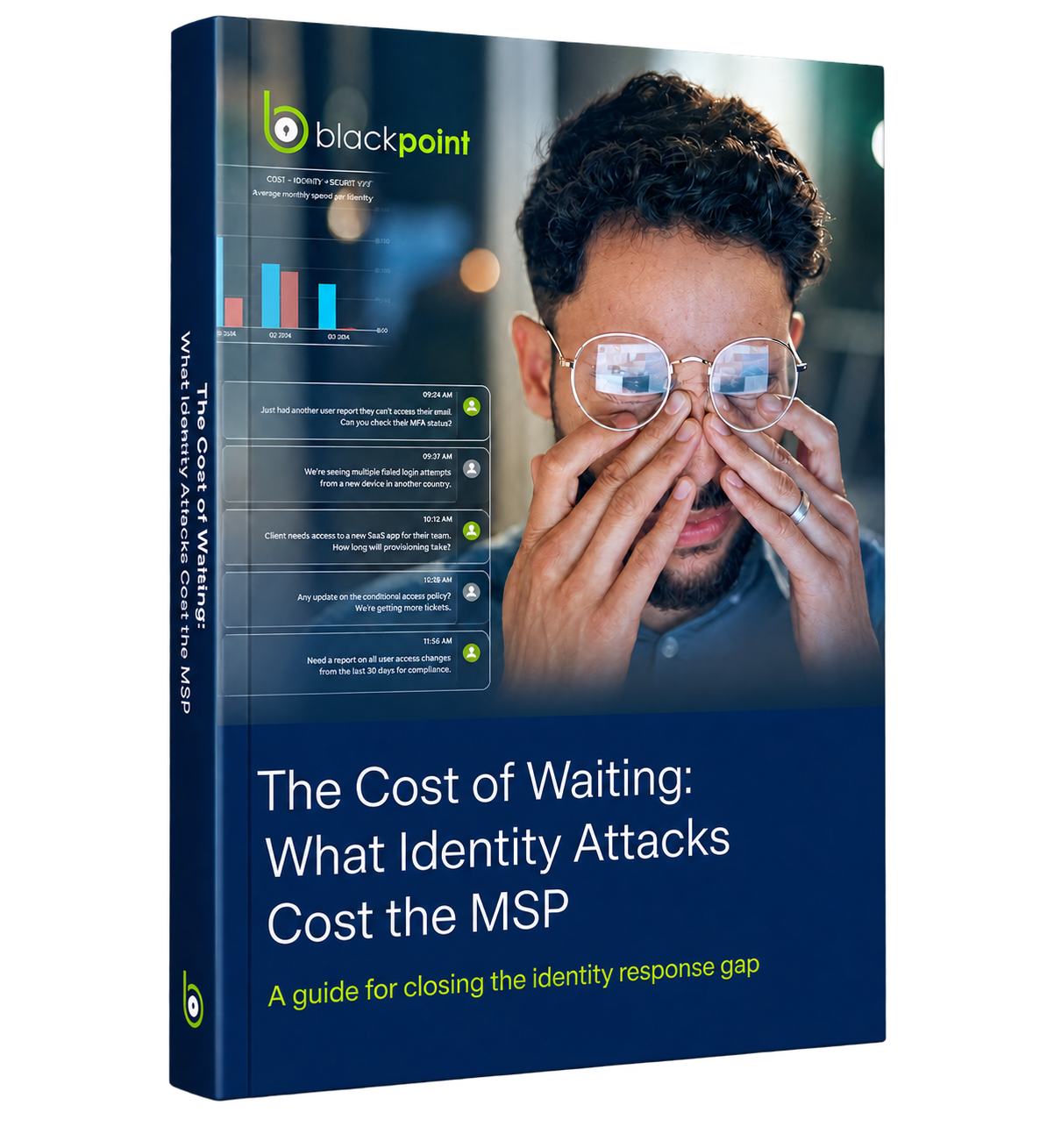 What Identity Attacks Cost the MSP
Stolen credentials don't trip alarms. Once an attacker is authenticated, they look like anyone else, and most tools aren't watching what happens next. Learn what closing the identity response gap looks like: how identity attacks happen, where response slows down, and the questions to ask any ITDR vendor.
What Identity Attacks Cost the MSP
Stolen credentials don't trip alarms. Once an attacker is authenticated, they look like anyone else, and most tools aren't watching what happens next. Learn what closing the identity response gap looks like: how identity attacks happen, where response slows down, and the questions to ask any ITDR vendor.
*Identity-based techniques play a role in nearly 90% of incident investigations